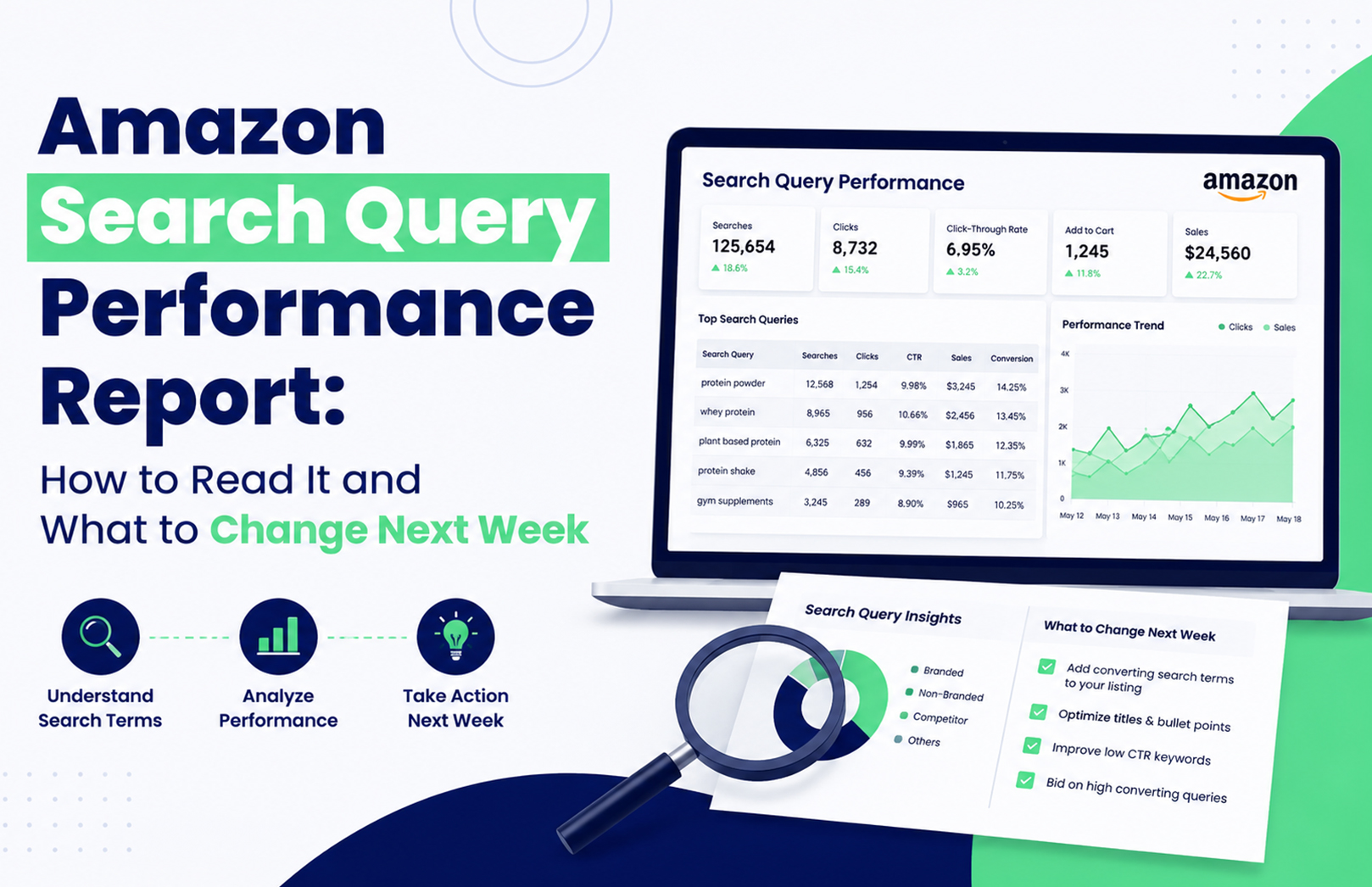
Your Amazon product is getting 40,000 impressions for a search query, but only 800 clicks. Another query gets fewer impressions yet produces significantly more cart adds and purchases. Which one deserves your attention next week? The Amazon Search Query Performance report helps answer that question by showing how shoppers move from search impressions to clicks, cart adds, and purchases for queries associated with your brand.
The mistake is treating SQP as another keyword report. It isn’t. Used properly, it tells you where your brand is losing potential customers and whether the next action should be listing optimisation, advertising, pricing, or broader account management.
What Is the Amazon Search Query Performance Report?
The Amazon Search Query Performance report is a Brand Analytics report that shows how your brand performs for customer search queries. It provides query-level visibility into stages such as impressions, clicks, cart adds, and purchases, helping you compare your brand’s performance with the wider query opportunity.
For eligible brands, Search Query Performance sits within Amazon Brand Analytics in Seller Central. Amazon’s Brand Analytics tools are designed to give registered brands access to customer and search behaviour insights, but availability depends on account and Brand Registry eligibility.
The practical value is simple: instead of asking “Which keyword should I add?”, you can ask “At which stage are shoppers dropping away?”
How Do You Read Amazon SQP Data?
Read the report as a search-to-purchase funnel, not as a list of keywords. Start with relevant queries, then compare your performance across impressions, clicks, cart adds, and purchases before deciding what to change.
| SQP Signal | What It Usually Indicates | First Thing to Check |
|---|---|---|
| High impressions, low clicks | Visibility without enough shopper interest | Main image, title, price |
| High clicks, low cart adds | Product page isn’t convincing enough | Listing content, reviews, offer |
| High cart adds, low purchases | Purchase friction | Price, delivery, availability |
| Low impressions | Weak visibility or query coverage | Relevance, SEO, PPC |
| Strong purchases, low brand share | Opportunity to capture more demand | Listing + advertising |
1. Start With Commercially Relevant Queries
Don’t automatically select the query with the highest search volume.
Suppose you sell a ₹799 vitamin supplement in India. A broad query such as “vitamins” may generate huge search activity, but a more specific query such as “multivitamin for daily energy” could have stronger purchase intent for your particular product.
This is one of the judgement calls that matters in real Amazon optimisation: the biggest query isn’t necessarily the best query to win.
If the query is relevant but your listing isn’t sufficiently aligned with the customer’s language, review your Amazon SEO and listing optimisation strategy before simply increasing advertising spend. HRL Infotechs’ Amazon SEO service specifically combines keyword research with product-page optimisation.
2. Compare Impressions With Clicks
High impressions mean your products are appearing, but they don’t tell you whether shoppers care enough to click.
If your brand receives substantial impressions for a query but very few clicks, compare your product with the competing results visible for the same search. Look at the main image, price, rating, review count, title presentation, and product type.
A common mistake is changing keywords first. If Amazon is already showing the product for a relevant query, the bigger problem may be search-result competitiveness rather than keyword coverage.
What Should You Do When Amazon Impressions Are High but Clicks Are Low?
When impressions are healthy but clicks are weak, improve the elements shoppers see before entering your product detail page. The main image, visible title, price, rating, reviews, and relevance should be checked before you touch the campaign structure.
This is particularly important on mobile, where shoppers scroll quickly through competing products. HRL Infotechs’ analysis of how Amazon product images affect rankings, clicks and conversions highlights why product imagery should be treated as a performance element rather than decoration.
Don’t change five listing elements simultaneously if you want to understand what worked. Test the most obvious weakness first, document the change, and compare the next meaningful reporting period.
What Does Low Cart-Add Performance Mean?
High clicks but weak cart adds usually mean the search result did its job, but the product page didn’t complete the next step. The shopper was interested enough to visit but didn’t find sufficient reason to move closer to purchase.
Check your bullets, images, A+ Content, reviews, price, variations, product information and offer. Also ask whether the search query actually matches what your product delivers.
This is where Amazon listing optimisation and SQP analysis work together. The report identifies the leak; the listing work addresses the leak.
What If Cart Adds Are Strong but Purchases Are Low?
Strong cart activity with weak purchases can indicate purchase friction rather than poor keyword targeting. Price, delivery expectations, stock availability, promotions, competition and customer confidence can all influence the final decision.
Don’t automatically respond by increasing PPC bids. More traffic won’t necessarily fix a purchase-stage problem.
This is another practical trade-off: if the listing already generates clicks and cart adds, sending more paid traffic before fixing the purchase barrier can increase spend without solving conversion.
Amazon Search Query Performance vs Search Term Report: What’s the Difference?
The Amazon Search Query Performance report and the Search Term Report serve different purposes. SQP focuses on customer search-query performance around your brand, while the Search Term Report helps advertisers analyse the customer search terms associated with their advertising activity.
That distinction matters because an important customer query might represent a broader organic opportunity even when your current PPC activity isn’t capturing it effectively.
If the SQP data identifies a valuable query, compare it against your advertising data before deciding whether to increase keyword coverage, adjust bids, add negative targeting, or leave the query primarily to organic optimisation.
For broader advertising execution, Amazon advertising services can connect search-term analysis with Sponsored Products, Sponsored Brands, Sponsored Display and other advertising activities.
How Can Amazon Brand Analytics Search Terms Improve Your Keyword Strategy?
Amazon Brand Analytics search data can help you understand the language customers use and identify queries worth investigating for your catalogue. But don’t copy every high-volume search term into your listing.
A query should pass three tests before becoming a priority:
- Relevance: Does the query accurately describe your product?
- Commercial value: Do shoppers using it show meaningful buying behaviour?
- Competitive opportunity: Can your product realistically improve its position?
This approach prevents a common problem: building a keyword-heavy listing around searches that generate traffic but don’t generate the right customers.
How Do You Use Amazon Impression Share by Keyword?
Amazon impression share should be interpreted alongside the rest of the funnel. A low share can indicate an opportunity, but it doesn’t automatically mean you should spend more.
If your brand has low impression share but strong clicks and purchases whenever it appears, increasing visibility may be worth testing. If impression share is low and conversion is also poor, fixing the listing or offer may come first.
The same principle applies to advertising. Your goal isn’t simply to maximise impressions. You want qualified visibility that has a realistic path to conversion.
What Should You Change Next Week?
Once you’ve identified the biggest SQP gap, turn it into one clearly defined action rather than making broad account changes.
Monday: Segment the Queries
Separate relevant queries into four groups:
- High impressions
- High clicks
- High cart adds
- High purchases
Then identify where your brand is disproportionately weak.
Tuesday: Diagnose the Listing
For high-impression/low-click queries, compare your main image, title, rating, reviews and price against competing products.
For high-click/low-cart queries, inspect your detail page and product positioning.
If several products need this work, a structured Amazon product listing and SEO strategy can help connect query analysis with catalogue-level optimisation.
Wednesday: Review Advertising
Match priority queries against your advertising search terms.
Ask:
- Are valuable queries being targeted?
- Are bids competitive enough?
- Are irrelevant searches consuming spend?
- Are converting search terms isolated appropriately?
- Is your listing strong enough to justify additional paid traffic?
Thursday: Check Price and Availability
Don’t ignore operational factors. A search-query problem can sometimes be caused by price, stock availability, delivery expectations or the competitive offer.
Friday: Make the Smallest Meaningful Change
Change one major variable at a time where practical.
For example, if the main image is clearly weaker than competitors, test the image before rewriting the entire listing and changing PPC bids on the same day.
Following Week: Compare Before and After
SQP data shouldn’t be judged from a single movement. Search volume changes, seasonality, promotions and reporting delays can affect short periods.
Keep a simple record of the query, original performance, change made and subsequent performance. That turns SQP from a reporting exercise into a repeatable optimisation process.
How Should SQP Data Influence Amazon PPC?
SQP should tell you where to investigate the opportunity. Advertising data should help determine how to capture it.
For example, imagine a query with strong customer demand and healthy purchase behaviour but weak brand visibility. That is a reasonable candidate for deeper PPC investigation.
But if the query generates plenty of clicks while your product rarely converts, increasing bids may simply buy more expensive traffic.
This is why advertising shouldn’t be evaluated through ACoS alone. HRL Infotechs’ recent Amazon ACoS vs TACoS analysis explains why sellers need to distinguish campaign-level advertising efficiency from broader business performance.
When Should You Use Amazon Account Management Services?
SQP becomes significantly more useful when someone actually turns the findings into weekly execution. That can involve listing changes, advertising adjustments, catalogue maintenance, inventory checks, reporting and account-health monitoring.
For brands managing multiple ASINs, these tasks can quickly become difficult to coordinate. Amazon account management services can bring those activities into one operational workflow, including catalogue management, account-health monitoring, performance tracking and other marketplace tasks.
The goal isn’t to generate another dashboard. The goal is to make sure the insight from that dashboard produces an action.
What Are the Biggest Amazon SQP Mistakes?
The biggest mistake is assuming that every low metric requires an immediate optimisation.
SQP data needs context. Query relevance, competition, product availability, pricing, promotions and the reporting period can all affect what you see.
The second mistake is making too many changes simultaneously. If you change your listing, increase PPC bids, reduce price and launch a promotion in the same week, you may improve sales without knowing which action created the improvement.
Experienced Amazon teams usually work with a clearer sequence: identify the bottleneck → choose the most relevant intervention → document it → measure the result → iterate.
Final Takeaway: Use SQP to Decide What Changes Next
The Amazon Search Query Performance report is most valuable when you use it to answer a practical question: where are customers dropping out of my search journey?
Start with commercially relevant queries. Compare impressions, clicks, cart adds and purchases. Then connect the gap to the appropriate action—listing optimisation, advertising, pricing, availability or account-level execution.
If your SQP report repeatedly shows the same gaps across important queries, that’s a sign that you need a consistent optimisation process rather than another one-off report. HRL Infotechs provides Amazon account management and marketplace optimisation support for brands that need the analysis and execution to work together.
Frequently Asked Questions
Q1. How often should I check the Amazon Search Query Performance report?
A weekly review is useful for active Amazon brands because it helps identify emerging visibility and conversion gaps. However, don’t make major decisions from a single short period. Compare relevant periods and account for seasonality, promotions, inventory changes and reporting delays before judging whether an optimisation worked.
Q2. What does a high Amazon SQP impression share mean?
High impression share means your brand is capturing a meaningful portion of the available visibility associated with a query. It doesn’t automatically mean the query is profitable or that your listing is converting well. Always evaluate impression share alongside clicks, cart adds, purchases and commercial relevance.
Q3. Can Amazon SQP data help with Amazon SEO?
Yes. SQP can provide useful evidence about customer search behaviour and your brand’s performance for relevant queries. Use it alongside keyword research, listing relevance, conversion data and competitive analysis. SQP should inform your Amazon SEO decisions rather than replace broader keyword and listing research.
Q3. Is Amazon SQP the same as the Amazon Search Term Report?
No. Search Query Performance is a Brand Analytics tool focused on customer search-query performance around your brand. The Search Term Report is primarily an advertising analysis tool. They can be used together: SQP can identify valuable search opportunities, while advertising reports can show how your paid campaigns capture those searches.
Q4. Should I increase PPC bids if my SQP impressions are low?
Not necessarily. Low impressions can result from weak relevance, limited advertising coverage, competition, inventory problems or other factors. First determine whether the query is commercially valuable and whether your product is capable of converting. Increase PPC coverage only when advertising is genuinely the missing part of the funnel.
Q5. Can an Amazon agency manage SQP analysis every week?
Yes. SQP analysis can be incorporated into a broader Amazon management process that combines search-query analysis, listing optimisation, PPC management, catalogue operations and performance reporting. The benefit is that the report becomes an input for specific weekly actions rather than remaining a passive performance document.