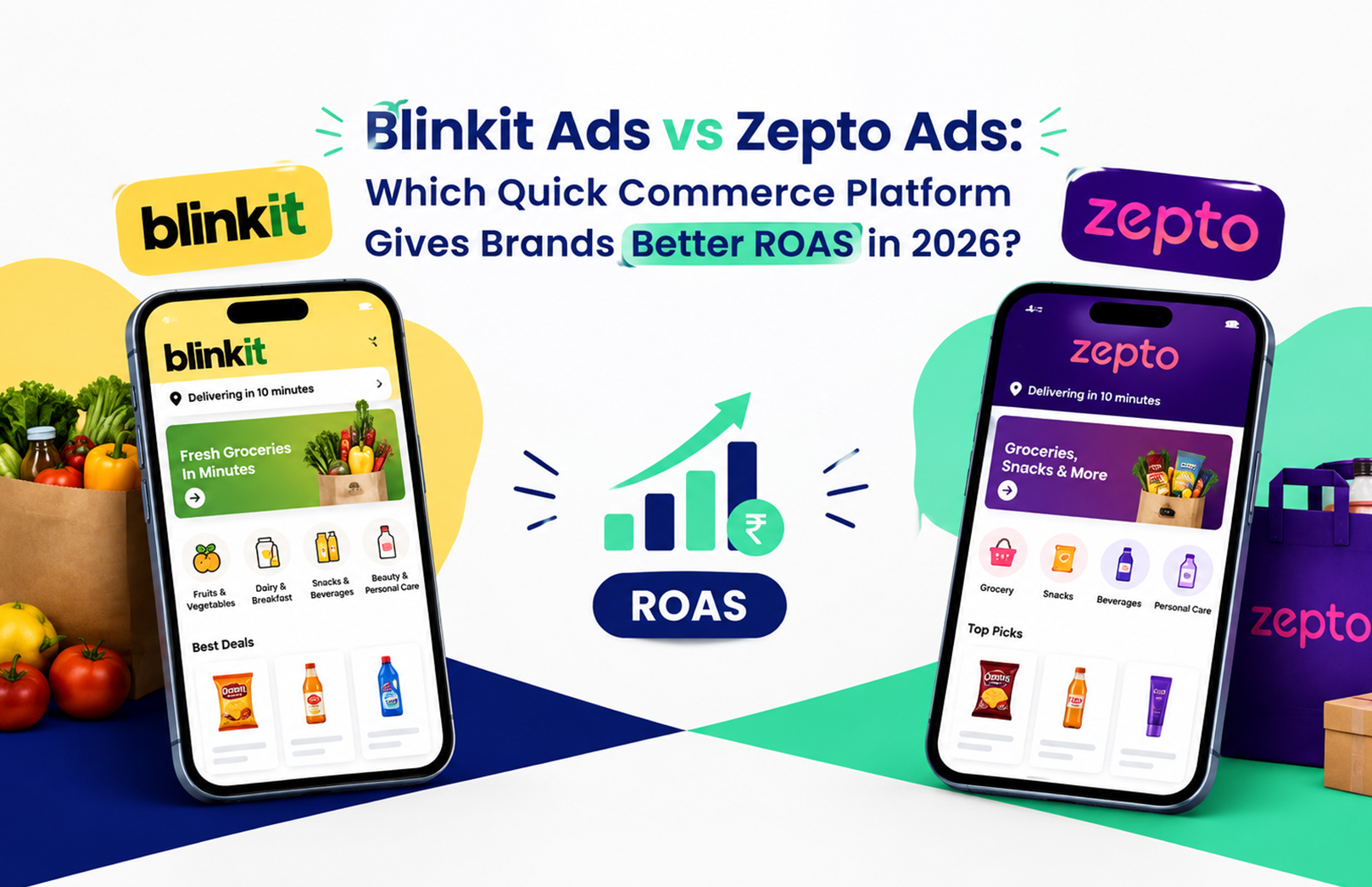
Your Blinkit dashboard says 4.2x ROAS this month. Your Zepto dashboard says 5.1x. Someone on the team suggests pulling budget off Blinkit and pouring it into Zepto, and on paper, that looks obvious. It usually isn’t. Before you move a single rupee, you need to know what each platform actually lets you control, what each ad format costs to run, and which one fits the stage your brand is at right now, not just which dashboard number is bigger this week.
That’s the decision HRL Infotechs works through with D2C and FMCG brands every time a new SKU goes live on quick commerce. This guide breaks down how Blinkit Ads and Zepto Ads work differently, what each format is built for, what a realistic budget looks like, and how to decide where your next rupee should go.
How Do Blinkit Ads Actually Work for Brands?
Blinkit runs advertising through Brand Central, a self-serve dashboard reached from the Ads tab in your Seller Hub. You pick an ad format, set a daily budget and bid, and the campaign goes live without waiting on an account manager. That control is the single biggest reason brands lean on Blinkit Ads first when testing a new category.
Brand Central offers eight formats, and not all of them deserve equal budget. Product Booster sits at the top of search results and category pages, and it’s the workhorse: a new brand should put the bulk of its early spend here because it catches shoppers who are already looking for something in your category. Prime Banner and Brand Spotlight build visibility higher up the funnel, Brand Store gives you a dedicated page within the app, and Recommendation Ads, Product Shelf, E-com Shelf, and Listing Spotlight each target a different moment in the browsing journey. Running all eight on day one spreads a small budget too thin to learn anything useful. Start narrow, see what converts, then widen.
How Does Zepto Advertising Differ From Blinkit’s Setup?
Zepto doesn’t offer the same dashboard-level control. Most sellers set up and manage campaigns through Zepto’s category or brand solutions teams rather than a self-serve portal, which means turnaround on bid changes or new creative can take a few days instead of minutes. If you’re used to Blinkit’s instant edits, this is the adjustment that trips people up first.
What Zepto gives up in speed, it makes up for in placement variety that’s harder to buy elsewhere. Search Takeover lets a brand claim the top result for a specific search term, which is a strong play during a launch week when you want category-defining visibility. Swap and Save targets shoppers at the cart stage, nudging them toward your product as a substitute or add-on right before checkout, a format that plays to impulse buying in a way Blinkit’s search-first formats don’t. If your category lives on impulse purchases, snacks, beverages, personal care, a well-placed Zepto Ads campaign can out-convert a straightforward search ad.
Blinkit Ads vs Zepto Ads: What Do They Actually Cost?
Neither platform publishes an official rate card, and figures quoted by different agencies vary enough that you should treat any number here as a planning range, not a guarantee.
- Blinkit doesn’t enforce a fixed minimum. Brand Central lets you set a daily budget as low as a few hundred rupees to test, but most agencies find you need somewhere between ₹50,000 and ₹2-3 lakh a month before you’re seeing enough volume to make confident bidding decisions, especially in competitive categories like snacks or personal care.
- Zepto typically asks for a larger upfront commitment, often bundling homepage banners, in-feed placements, and a brand store into a package, with agency-reported figures starting around ₹5-6 lakh. That’s a judgment call worth making early: a smaller D2C brand testing Zepto for the first time should go in knowing the entry cost is structurally higher than Blinkit’s.
- Click costs on Product Booster typically fall between ₹2 and ₹15, depending on how contested your category is. Zepto’s search and swap formats tend to sit at the lower end of that range in less competitive categories, though that gap narrows fast once a few national brands start bidding on the same keywords.
Which Platform Gives Brands Better ROAS in 2026?
There isn’t a single winner. Blinkit tends to deliver steadier, more predictable ROAS because of its wider store footprint and the self-serve control that lets you cut a losing keyword the same day you spot it. Zepto tends to win on cheaper clicks and faster trial in the handful of dense metro markets where its dark store network is strongest.
What decides it for most brands we work with comes down to three questions:
- Does your demand sit mostly in metros, or does it stretch into tier 2 cities? Blinkit’s broader store network keeps ROAS more consistent outside the top six cities.
- Are you launching a new SKU or scaling a proven one? A first-order ROAS under 2x on a new product isn’t a failure signal on either platform. Judge launches on repeat purchase over four to six weeks, not week-one numbers.
- What’s your testing budget? If you’re working with under ₹1 lakh a month, Blinkit’s lower entry point and granular controls make it easier to learn fast without overcommitting.
One judgment call that catches newer sellers out: a strong ROAS number on either platform can mask a stock problem. If your product is out of stock at the dark stores closest to where your ads are serving, you’re paying for impressions that can never convert, and raising your bid only makes the math worse. Checking fill rate by pincode before touching a bid is a step worth building into your weekly routine, something we’ve written about in more detail in our guide to reducing out-of-stock penalties on Blinkit and Zepto ads.
How Should You Split Budget Between the Two?
A reasonable starting split for a brand selling nationally is 60-70% on Blinkit and 30-40% on Zepto, then rebalance every two weeks based on which platform is actually returning margin, not just which one shows the bigger ROAS figure. Tilt harder toward Zepto if your sales are concentrated in Mumbai, Bengaluru, or similarly dense metros, or if you’re pushing a new product and want the visibility that Search Takeover buys you during launch week.
The trade-off worth remembering: chasing the higher headline number without checking where your actual customers live is how brands end up overspending on a platform that simply doesn’t reach them. We’ve also found that discount-led campaigns underperform visibility-led ones once a brand has decent reviews in place, a pattern we cover in why visibility matters more than discounts in Zepto ads.
A Practical Starting Checklist
Before you commit a full month’s budget to either platform, run through this sequence:
- Pull SKU-level ad data from both dashboards and check fill rate at the pincode level, not just overall stock status.
- Put 80-90% of new Blinkit spend into Product Booster on your top two or three SKUs before touching the awareness formats.
- Confirm with your Zepto account contact which launch formats, like Search Takeover, are actually open to your brand and category.
- Set a review cadence of two weeks, not one, since Zepto’s account-led changes take longer to show results.
- Track repeat purchase rate for any new SKU for at least four weeks before calling a launch campaign a win or a loss.
If working through that list surfaces more questions than answers, especially around what your real margin looks like once commission and ad spend are both accounted for, that’s usually the sign to bring in a team that manages this daily rather than guessing with each platform’s dashboard numbers. HRL Infotechs runs this exact audit for brands across both platforms, and you can start with a free quick commerce ads audit to see where your current spend is actually working.
Frequently Asked Questions
Q1. Is Zepto Ads self-serve like Blinkit?
A1. Not fully. Blinkit runs campaigns through Brand Central, a self-serve dashboard where you control bids directly. Zepto advertising has typically gone through category or brand solutions teams, so changes can take a few days rather than minutes. Access terms shift, so confirm the current process with your Zepto contact before setting a testing timeline.
Q2. What is the minimum budget to start advertising on Blinkit?
A2. Blinkit doesn’t publish an official minimum, and Brand Central lets you start with a small daily budget. In practice, most brands need roughly ₹50,000 to ₹2-3 lakh a month to gather enough clicks per keyword to make confident bidding decisions, especially in competitive categories.
Q3. How does Blinkit Brand Central work?
A3. Brand Central is Blinkit’s self-serve advertising platform, reached from the Ads tab in your Seller Hub. It covers eight formats, including Product Booster for search and category placements and Brand Store for a dedicated brand page, and reports impressions, clicks, and ROAS in real time.
Q4. What is Zepto Search Takeover?
A4. Search Takeover is a Zepto ad format that lets a brand claim the top result for a chosen search term, giving it category-defining visibility during that search. It’s commonly used during product launches or sale events when a brand wants to dominate a specific keyword rather than compete for it via standard bidding.
Q5. Should a new product launch on Blinkit or Zepto first?
A5. It depends on where your buyers are concentrated. Brands with strong metro demand often see faster trial on Zepto, helped by formats like Search Takeover. Brands with national or tier 2 reach usually get more consistent results from Blinkit’s wider store network. Many brands launch on both and weight spend by city performance.
Q6. Why might ROAS drop even when bids haven’t changed?
A6. Stock availability is the most common cause. Ads only serve where inventory is physically present at the dark store, so patchy stock wastes impressions and drags down conversion even with an unchanged bid. Checking fill rate pincode by pincode, before adjusting any bid, usually resolves this faster than a bidding fix would.