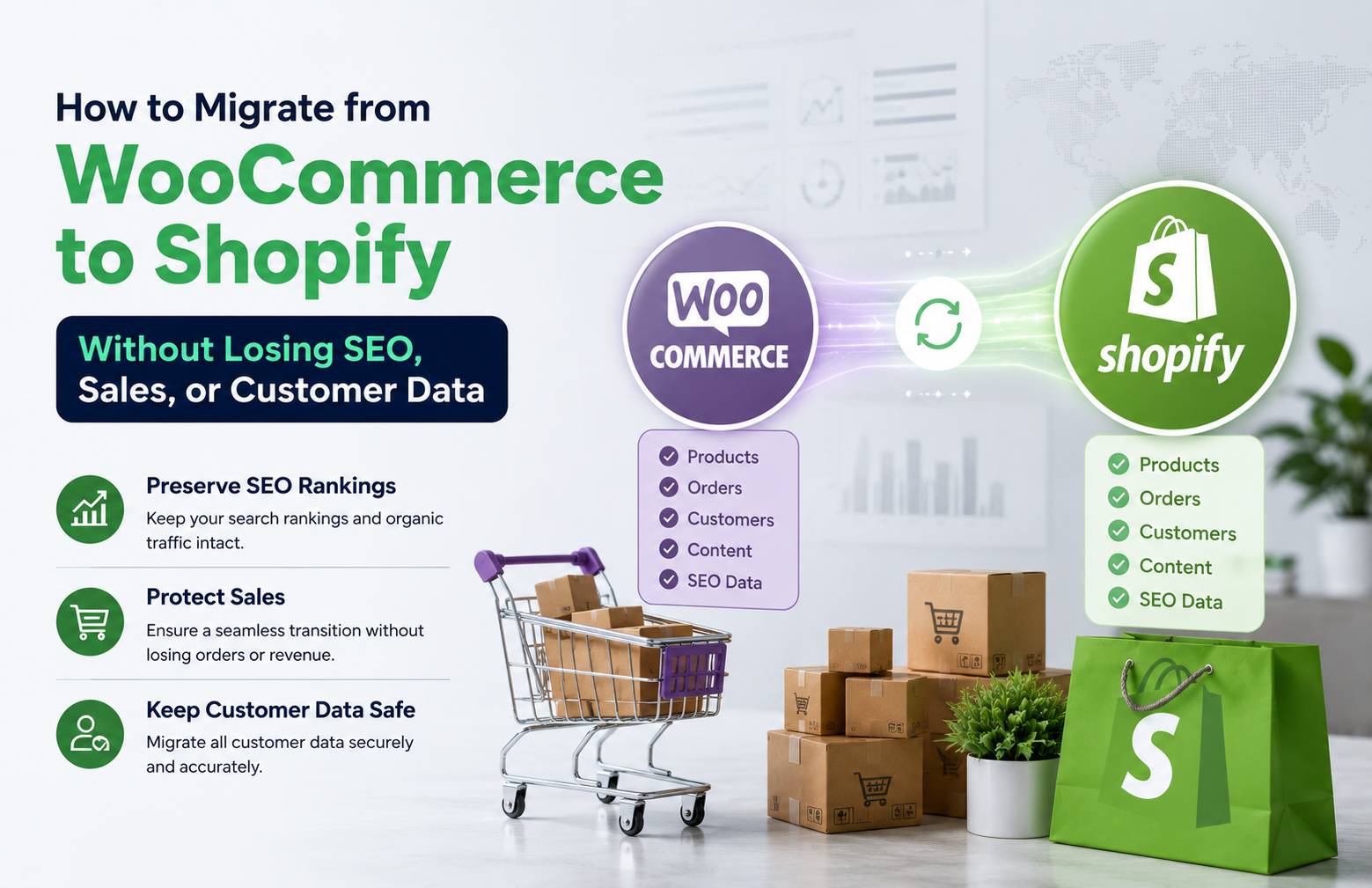
Migrating your online store from WooCommerce to Shopify can feel risky, especially when you rely on organic traffic and repeat customers. The good news is that with the right plan, a WooCommerce to Shopify migration can be smooth, secure, and profitable without sacrificing SEO, sales, or customer data.
This guide walks you step by step through how to migrate WooCommerce to Shopify the right way. You will learn how to protect your rankings, preserve order history, and keep your customers buying while you transition to a more scalable ecommerce platform.
Understanding When a WooCommerce to Shopify Migration Makes Sense
Before you move any data, it helps to understand why a WooCommerce to Shopify migration is worth the effort. Many store owners outgrow the flexibility of WordPress and want a more stable, hosted solution that reduces technical headaches and security worries.
Shopify offers a managed infrastructure, built-in payment options, and a large app ecosystem. When you migrate WooCommerce to Shopify, you are often looking for better performance, easier maintenance, and a platform that can handle growth without constant plugin updates and server tuning.
Key Benefits Of Moving From WooCommerce To Shopify
One of the biggest advantages of ecommerce platform migration is simplicity. Shopify centralizes hosting, security, backups, and updates, so your team can focus more on marketing and merchandising instead of technical troubleshooting.
Another benefit is scalability. As your traffic and product catalog grow, Shopify can typically handle spikes more reliably. This makes a WooCommerce to Shopify migration attractive for brands that run frequent campaigns, flash sales, or seasonal promotions.
Risks If You Migrate Without An SEO Strategy
Despite the benefits, a poorly planned WooCommerce to Shopify migration can damage your organic visibility. If URLs change without proper redirects, search engines may treat your Shopify store as a new site and drop your rankings temporarily or permanently.
There is also a risk of losing product metadata, structured data, and internal links. Without a clear WooCommerce to Shopify redirect plan, you might see 404 errors, lower crawl efficiency, and confused customers who land on broken pages instead of live products.
Pre-Migration SEO Audit And Planning
A successful WooCommerce to Shopify migration starts with a detailed SEO audit. This step helps you understand what is currently working so you can preserve it during the move. Skipping this stage often leads to traffic drops that could have been avoided.
Begin by documenting your top-performing URLs, categories, and blog posts. Identify which pages drive the most organic traffic and revenue. These are your priority assets and must be protected with precise WooCommerce to Shopify redirect mappings.
Creating A URL And Redirect Mapping Sheet
To avoid confusion later, build a spreadsheet that lists every important WooCommerce URL and its future Shopify equivalent. Include product pages, category archives, blog posts, and any landing pages used for campaigns or ads.
This mapping sheet becomes the backbone of your WooCommerce to Shopify redirect strategy. When the new store goes live, you will use it to implement 301 redirects so that search engines and users are automatically guided from old URLs to their new locations.
Backing Up Data Before Ecommerce Platform Migration
Before you export WooCommerce products to Shopify, take full backups of your WordPress database and files. This ensures you can restore your store if anything goes wrong during the migration process or testing phase.
Backups should include products, customers, orders, coupons, and media files. A careful ecommerce platform migration always keeps a safety net, so you never lose critical customer data or order history while experimenting with new configurations.
How To Export WooCommerce Products To Shopify
Once your plan is ready, you can start moving actual store data. The core of any WooCommerce to Shopify migration is transferring products, collections, and related content accurately. This is where many store owners rely on migration apps or professional services.
Shopify supports CSV imports and dedicated migration tools that connect directly to WooCommerce. Whichever method you choose, the goal is to export WooCommerce products to Shopify with correct titles, descriptions, prices, variants, and images.
Product, Category, And Media Migration Essentials
When you migrate WooCommerce to Shopify, pay close attention to product handles and collections. These influence your final URL structure and can affect SEO. Try to keep slugs similar to your old URLs when possible to simplify redirect mapping.
Also make sure that product images, galleries, and alt text transfer correctly. Image optimization is a ranking factor and a user experience signal. During ecommerce platform migration, this is a good time to compress large images and standardize naming conventions.
WooCommerce Order History Shopify Import
Preserving customer trust means keeping their purchase records intact. A proper WooCommerce order history Shopify import allows you to maintain accurate reporting, customer lifetime value calculations, and personalized marketing campaigns.
Many migration tools support importing past orders and customer accounts. After the WooCommerce order history Shopify import is complete, test a sample of accounts to confirm that addresses, order totals, and payment statuses match your original WooCommerce data.
Implementing WooCommerce To Shopify Redirects Without Losing SEO
With products and content in place, the next critical step is implementing your WooCommerce to Shopify redirect plan. This is where you protect your SEO equity and ensure that visitors from search engines land on relevant pages instead of dead ends.
Use 301 redirects for all important URLs listed in your mapping sheet. On Shopify, you can configure redirects in the admin panel or via bulk upload. Every old WooCommerce URL should point to the closest matching Shopify page, not just the homepage.
Technical SEO Checks After Migration
After your WooCommerce to Shopify migration goes live, run a full technical SEO audit. Crawl the new site to identify 404 errors, redirect chains, and missing metadata. Fixing these quickly helps search engines understand the new structure faster.
Also verify that canonical tags, XML sitemaps, and robots.txt are correctly configured. Submit updated sitemaps in Google Search Console and monitor indexing coverage. This post-launch phase is essential to stabilizing rankings and preventing long-term traffic loss.
Maintaining Sales And Customer Experience During Migration
Protecting SEO is only part of a successful WooCommerce to Shopify migration. You also need to maintain sales momentum and a seamless customer experience while the transition happens in the background.
Plan your migration timeline during a lower-traffic period if possible. Communicate transparently with customers about any brief maintenance windows. A clear message on your site and email updates can reduce confusion and support tickets.
Testing Checkout, Payments, And Integrations
Before fully switching traffic to Shopify, thoroughly test the checkout flow, payment gateways, shipping rules, and tax settings. A migration that looks perfect on the surface can still fail if customers cannot complete purchases smoothly.
Run test orders with different payment methods and shipping zones. Confirm that transactional emails, such as order confirmations and shipping notifications, are sent correctly. This testing phase ensures your WooCommerce to Shopify migration does not interrupt revenue.
When To Partner With A Shopify Website Development Agency
While small stores can sometimes handle a WooCommerce to Shopify migration on their own, larger or more complex sites often benefit from expert support. A specialized Shopify website development agency can manage both technical and strategic aspects.
These teams can customize themes, optimize performance, and handle advanced integrations such as ERP, CRM, and marketing automation tools. They can also fine tune your WooCommerce to Shopify redirect setup and on page SEO to match or outperform your previous results.
What To Look For In A Migration Partner
When evaluating agencies for ecommerce platform migration, ask about their previous WooCommerce to Shopify projects. Look for case studies that show stable or improved SEO, successful order history imports, and measurable revenue growth after launch.
Also consider their approach to communication and documentation. A reliable partner will provide clear timelines, risk assessments, and post launch support. This reduces stress and helps you stay focused on marketing and operations while experts handle the technical migration.
Conclusion: Turning Migration Into An Opportunity For Growth
A carefully planned WooCommerce to Shopify migration does not have to mean lost rankings, broken links, or frustrated customers. By auditing your current site, mapping URLs, exporting data accurately, and implementing precise redirects, you can protect your SEO while upgrading your ecommerce platform.
With the right strategy and, when needed, support from specialists like HRL Infotechs, your new Shopify store can load faster, convert better, and provide a stronger foundation for long term growth in the competitive Indian ecommerce market.